Charge The Whole Set
Every slot charges at the same time, so 16, 32 or 48 devices are ready together rather than one plug at a time.
Your Specialists In
Charge, Lock Away and Sync the Whole Fleet

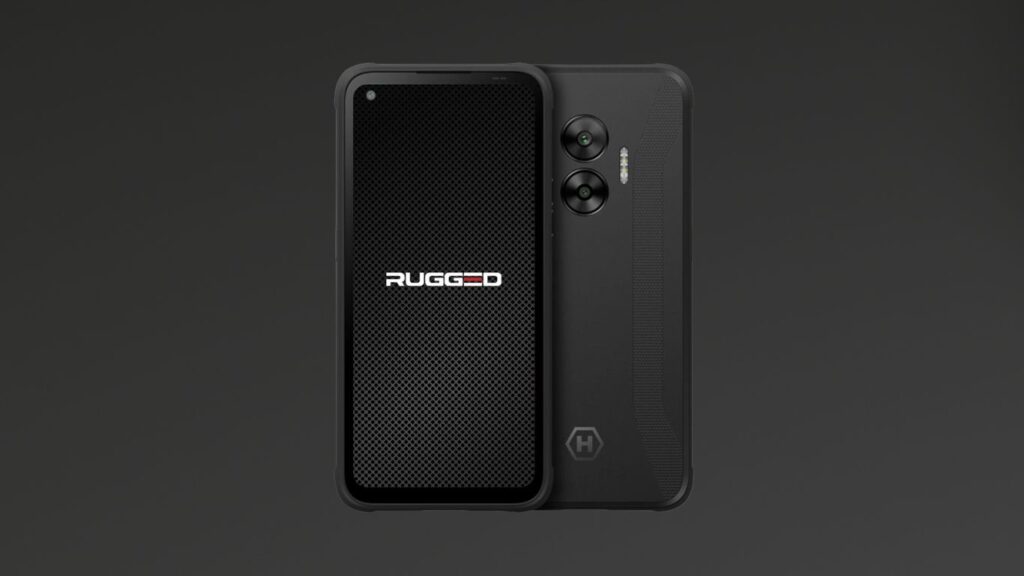
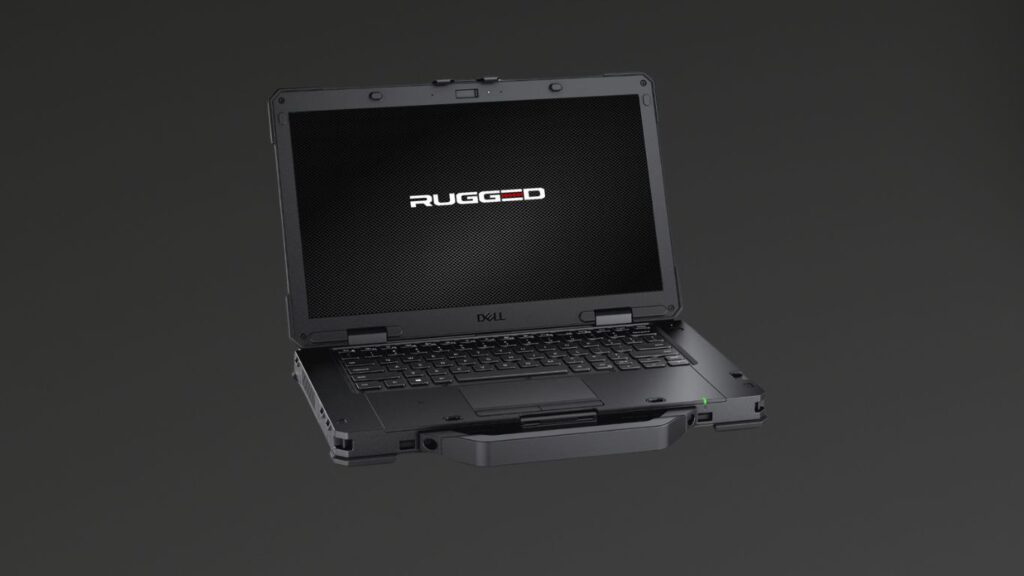
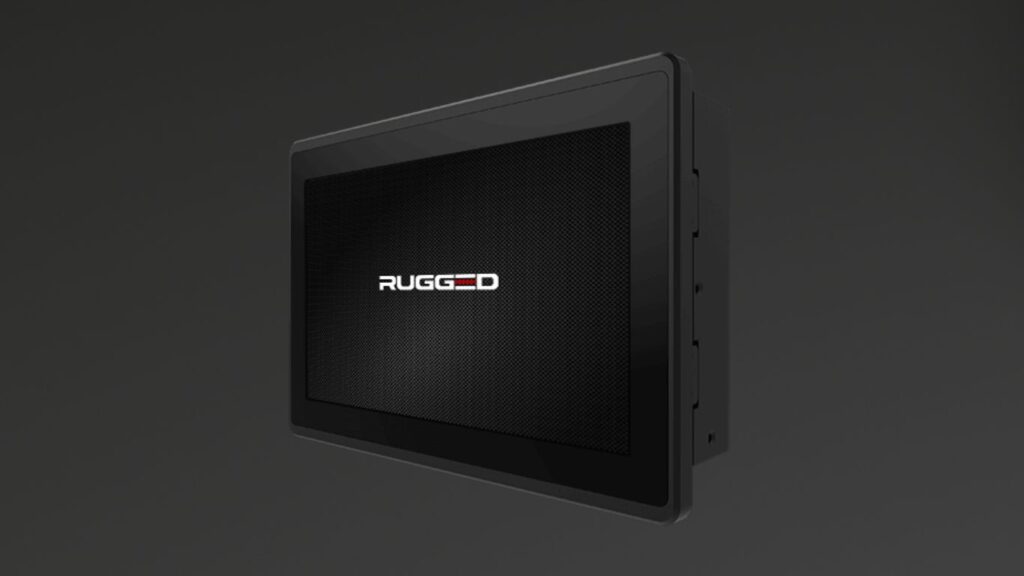





















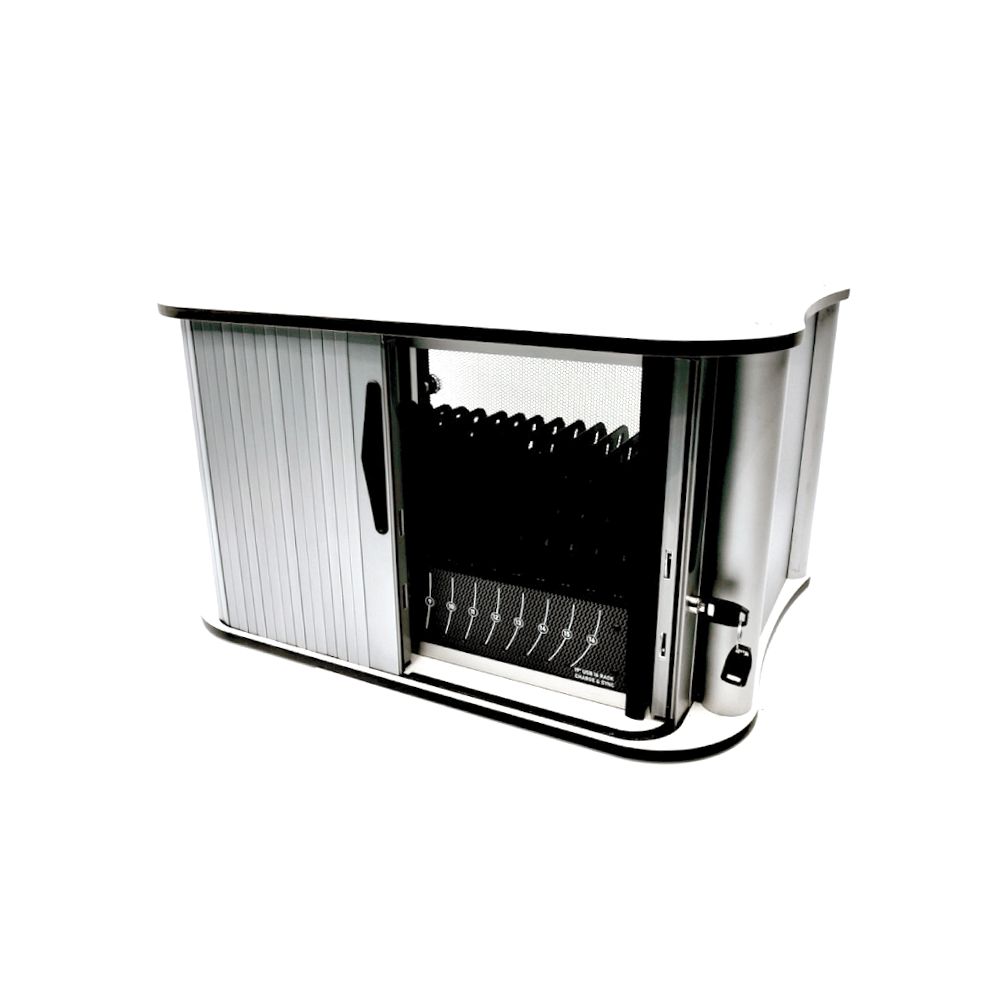
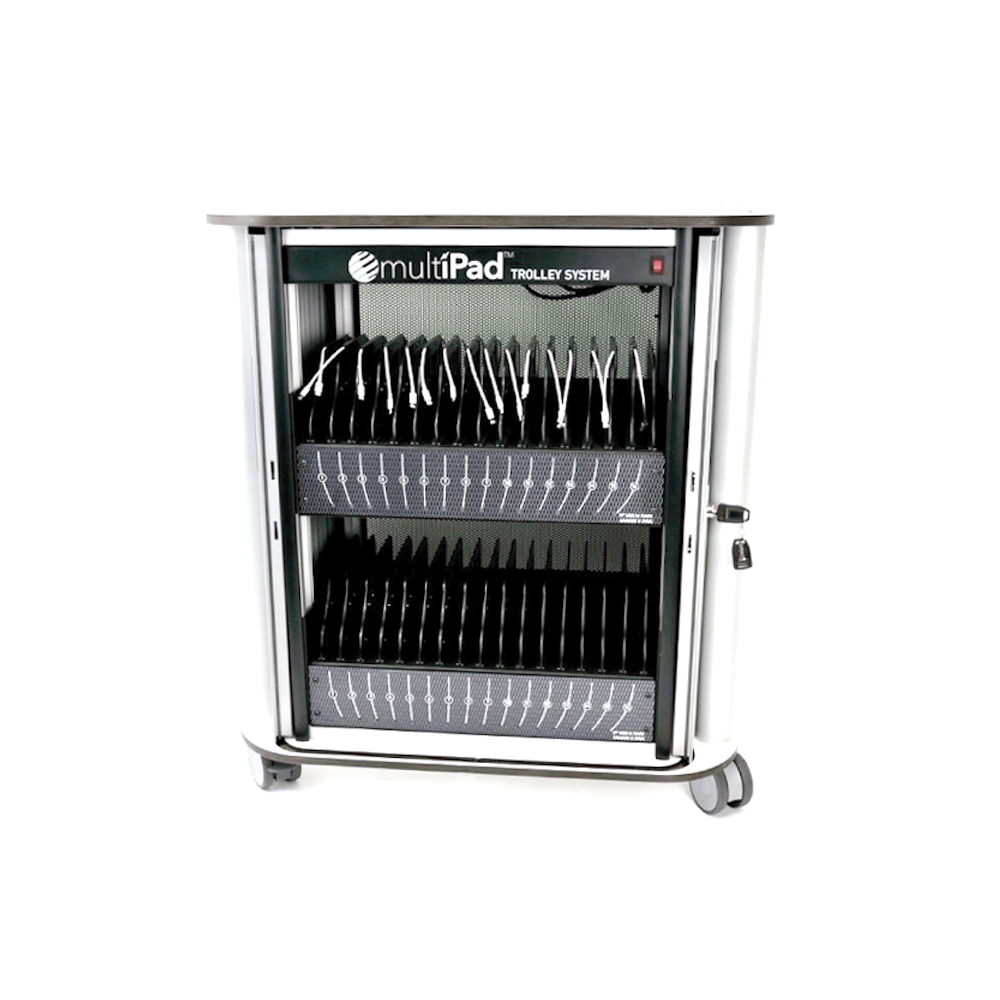
Once an organisation runs more than a handful of tablets, charging becomes a job of its own. Loose chargers go missing, devices start the day flat, and expensive kit sits on desks overnight where anyone can pick it up. A charging trolley or cabinet puts the whole set in one locked unit, charges every device at once, and keeps the cables tidy. Rugged supplies three Multipad models: a 16-port desktop charging cabinet for a worktop or office, and 32-port and 48-port charging trolleys for larger sets. All three charge over smart USB, lock with a combination and standard lock behind roller shutter doors, and can sync devices in bulk through external software. They suit schools, hospitals, warehouses, shops and field teams that hand out devices at the start of a shift and collect them at the end.
Eight reasons a locked charging unit beats a drawer full of loose chargers.
Every slot charges at the same time, so 16, 32 or 48 devices are ready together rather than one plug at a time.
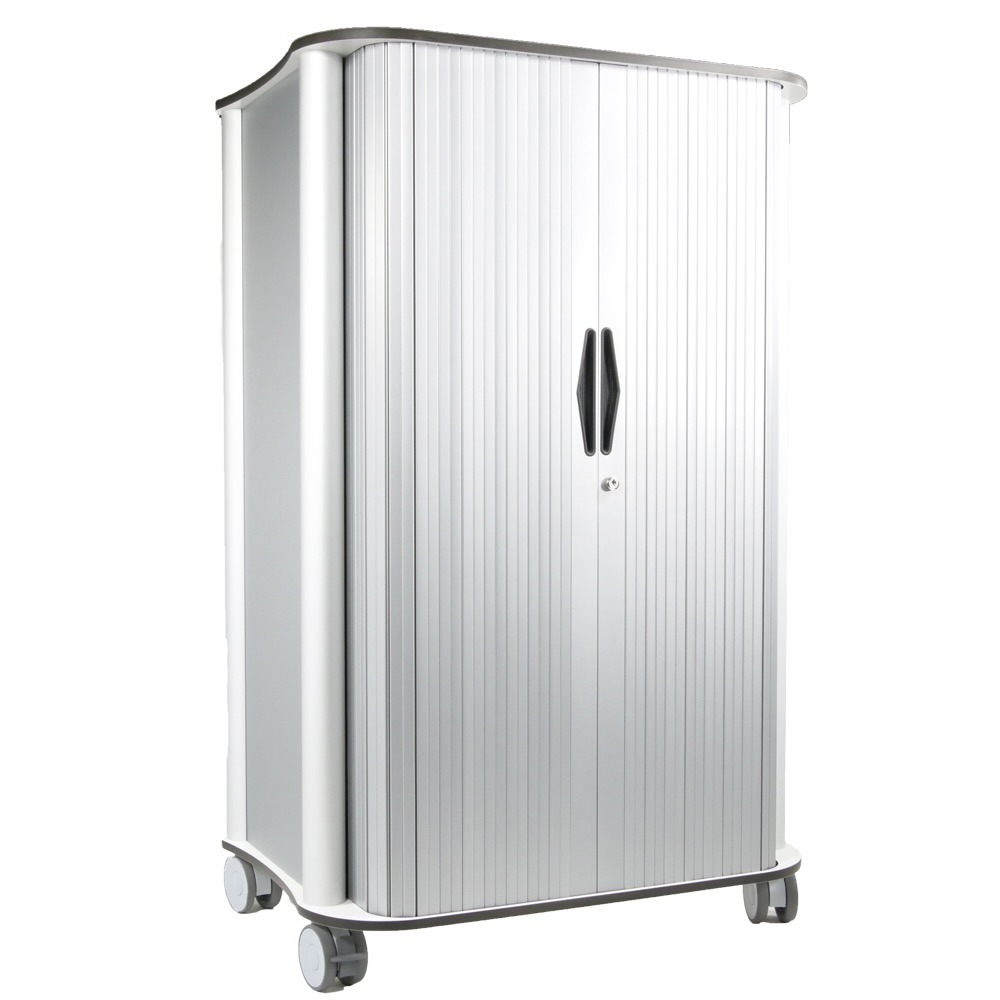
Roller shutter doors close over the devices and lock with a combination and a standard lock, so the set is secure between shifts.
Smart USB charging adjusts the power to each device and drops to a trickle charge once it is full.
Connect external management software and push updates and settings to every device in the unit together.
Green and red status LEDs show which devices are charged, so nobody takes a flat one by mistake.
A built-in cable management system keeps every lead in its place and stops chargers walking off.
An aluminium and powder-coated steel frame stands up to daily use and frequent cleaning.
Pick the 16-port desktop cabinet for a worktop, or a 32 or 48-port trolley for larger sets. Each arrives fully assembled.
Charging trolleys and cabinets are used wherever a team shares a set of devices: classrooms and training rooms, hospital wards, warehouses, shops, depots and public-sector offices. Each tab below sets out the jobs a lockable charging unit takes off your team.
Schools, colleges and training centres hand out a class set of tablets, collect them at the end of the session and need them charged for the next one. A trolley charges the whole set at once, locks it away out of hours and can be wheeled between rooms. With external software, the set can be updated together before term starts.
Class sets of tablets charged overnight
Moving a set between classrooms
Locked storage outside lesson time
Bulk updates before term or a course
Shared device pools for year groups
Training-room devices kept ready

Wards and clinics share tablets and handhelds between staff and shifts. A locked charging unit keeps them in one known place, charged and ready at handover, and the aluminium and powder-coated steel frame is easy to wipe down.
Ward tablets charged between shifts
Secure storage at the nurses' station
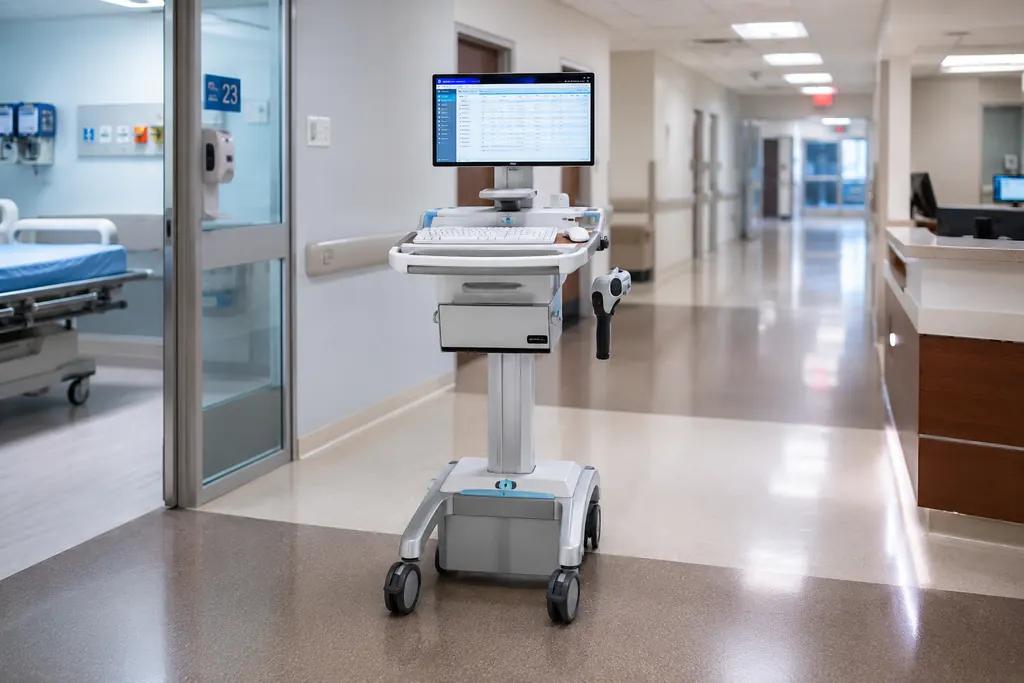
Devices for medical carts and clinical workstations
Shared handhelds for bedside tasks
Bulk updates across a ward's devices
Clear charging status before handover
Pickers, drivers and yard staff collect a device at the start of the shift and return it at the end. A 32 or 48-port trolley keeps a whole shift's tablets and handhelds charged, locked and accounted for, with LEDs showing which are ready to go out.
Shift-start device issue and return
Handhelds for picking and put-away
Proof-of-delivery devices charged overnight
Asset tracking of shared devices
Inventory and stock-control devices
Bulk updates across the fleet

Shop-floor tablets and stock-checking devices need to be charged before opening and kept off the counter after closing. A desktop cabinet in the stockroom or office charges them together and keeps them locked away until the next shift.
Shop-floor tablets charged before opening
Stock-take and inventory devices
Locked storage after closing
Shared devices between shifts
Bulk updates across store devices
Back-office device management

Field teams leave the depot with a tablet and bring it back at the end of the day. A charging trolley at the depot means every device goes out charged and comes back to a locked unit, with the whole set updated together.
Depot charging for field tablets
Overnight charging and secure storage
Devices issued for inspections and maintenance
Mobile workforce device pools
Bulk updates before rollouts
Quick check of which devices are ready

Councils, stations and public offices often share tablets across teams and shifts. A lockable charging unit keeps shared devices secure, charged and in one place, and makes it easy to see what is out and what is ready.
Shared tablets across teams and shifts
Secure storage in offices and stations
Devices charged ready for handover
Asset tracking of shared devices
Bulk updates and configuration
Devices for inspections and site visits

Start with the number of devices, then allow room to grow: the three models charge 16, 32 or 48 devices. Next, decide whether the unit stays put or moves. The 16-port desktop cabinet sits on a worktop or stands alone, while the 32 and 48-port trolleys suit sets that move between rooms or wait by the door at shift change. Check how your devices charge: all three charge over USB at up to 5V 2400mA per port, which suits tablets and other USB-charged devices, so tell us early if you need to charge laptops or Chromebooks. Measure the space against the listed dimensions, and send us the device model and any protective case so we can confirm the fit. If you manage devices centrally, check that your management software supports syncing over USB. Finally, think about security and branding: every model locks with a combination and standard lock, and case colour, logo, printing, internal panels, cables and power supply are all listed custom options.
Answers on port counts, locking, syncing, power and sizing for charging trolleys and cabinets. Not here? Call +44 (0)1474 240120.
Both charge and store a set of devices in one locked unit. A cabinet stays in one place, while a trolley is built to move. The Multipad 16-port desktop cabinet (MP-DTC-16-USB) sits on a worktop or stands alone. The 32-port (MP-TS-32-USB) and 48-port (MP-TS-48-USB) trolleys suit larger sets and sets that move between rooms. All three use roller shutter doors with a combination and standard lock.
The MP-DTC-16-USB cabinet charges 16 devices, the MP-TS-32-USB trolley up to 32 and the MP-TS-48-USB trolley up to 48, all at the same time. If your fleet falls between sizes, choose the next size up so you have room to grow, or talk to us about combining units.
All three models charge over smart USB at up to 5V 2400mA per port, so they suit tablets and other devices that charge from USB. Cable type, cable length and interface are listed custom options, so the leads can be matched to your devices. Tell us the make and model and we will confirm the setup.
The listed models charge over USB at up to 5V 2400mA per port. Many laptops and Chromebooks need more power than that, so they may not charge properly from these ports. Power supply and interface are among the listed custom options, so send us the device model and its charger rating and we will tell you what is possible.
The product pages do not list slot sizes, so we check this for each order. Send us the device model and the case it lives in, and we will confirm the fit before you order. Custom internal panels are a listed option where a standard layout does not suit.
Each model has roller shutter doors secured by a combination lock and a standard lock. The devices, chargers and cables stay inside the unit when it is closed, which keeps a shared set together between sessions or shifts.
Yes. All three support bulk synchronisation through external software, so updates and settings can be pushed to every connected device at once. The 32-port trolley's page names Apple Configurator among the supported software. Syncing depends on your management software and device type, so check compatibility with us before you deploy.
The smart USB charging system adjusts the power delivered to each device to optimise charging speed, then switches to a trickle charge once the device is full. The green and red status LEDs show which devices are charged and which are still charging.
Each unit has a built-in 5V 40A power supply for every 16 ports: one in the 16-port cabinet, two in the 32-port trolley and three in the 48-port trolley. Each USB port delivers up to 5V 2400mA. Power supply is also a listed custom option, so tell us your site's mains supply when you ask for a quote.
The 16-port desktop cabinet measures 386 x 675 x 476mm (HxWxD), the 32-port trolley 771 x 675 x 476mm and the 48-port trolley is listed at 1081 x 675 x 476mm. All three are based on an industry-standard 19-inch rack and arrive fully assembled. Measure the space where the unit will live, including room to open the doors.
Yes. The listed custom options are cable type, cable length, interface, custom logo, case colour, custom internal panels, custom printing, power supply and mounting options. Tell us what you need and we will confirm it with the quote.
The product pages list CE, FCC and RoHS for all three models. If your organisation needs a specific document for procurement, ask us and we will check what is available for the model you choose.
Charging trolleys and cabinets charge, lock away and sync a shared set of tablets and USB devices in one unit, for schools, hospitals, warehouses, shops, field teams and public-sector offices. Rugged lists three Multipad models: a 16-port desktop cabinet and 32-port and 48-port trolleys. Each charges every device at once over smart USB, locks behind roller shutter doors and supports bulk sync through external software.
Get a Quote
Tell us how many devices you need to charge, what they are and where the unit will live, and we will recommend the right charging trolley or cabinet.